Edit
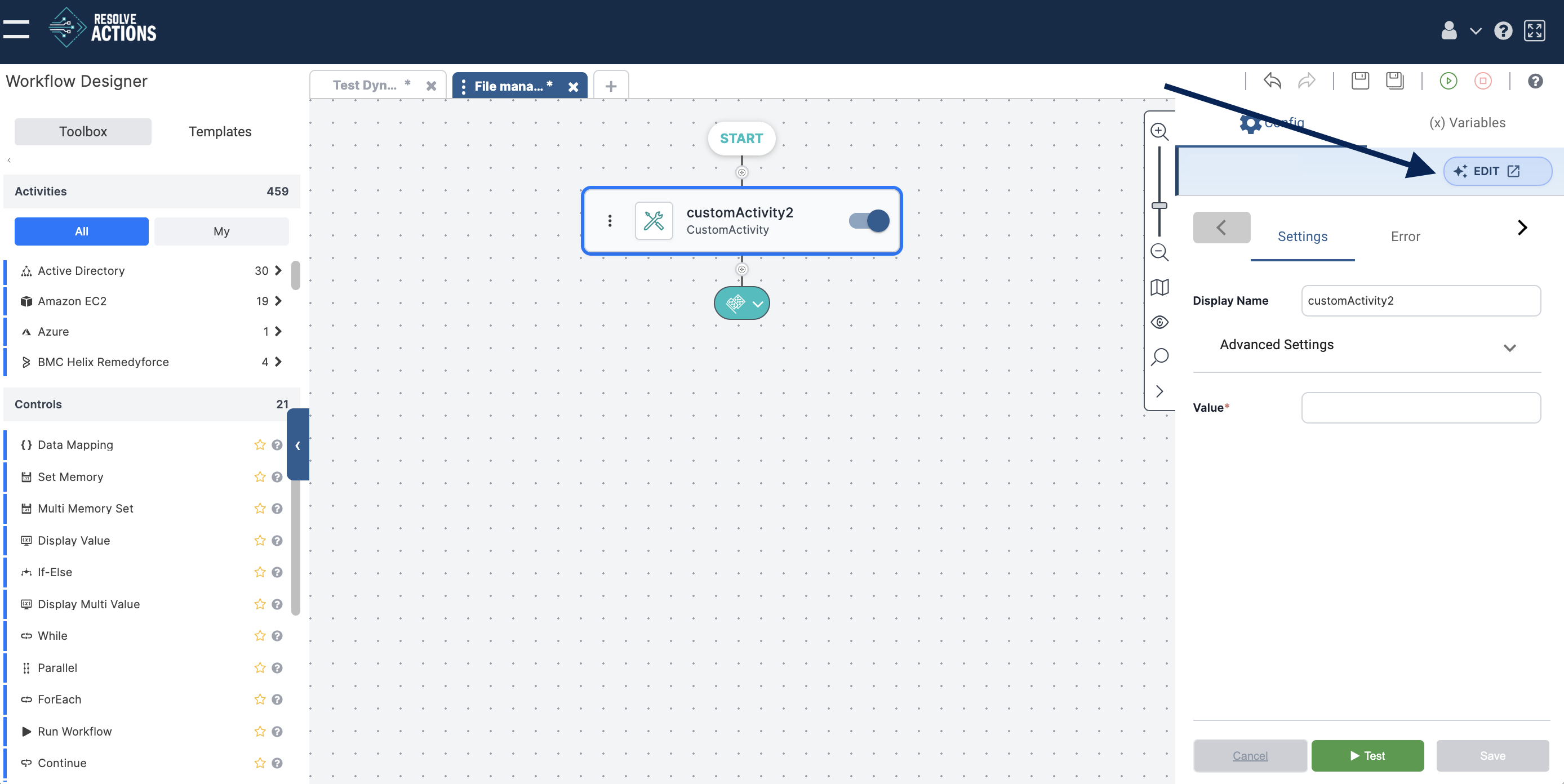
The Edit option allows you to access the Activity Designer for Custom Activities directly from the workflow.
To edit a Custom Activity:
- Click the Custom Activity tile.
- Click the Edit button in the right-hand menu.
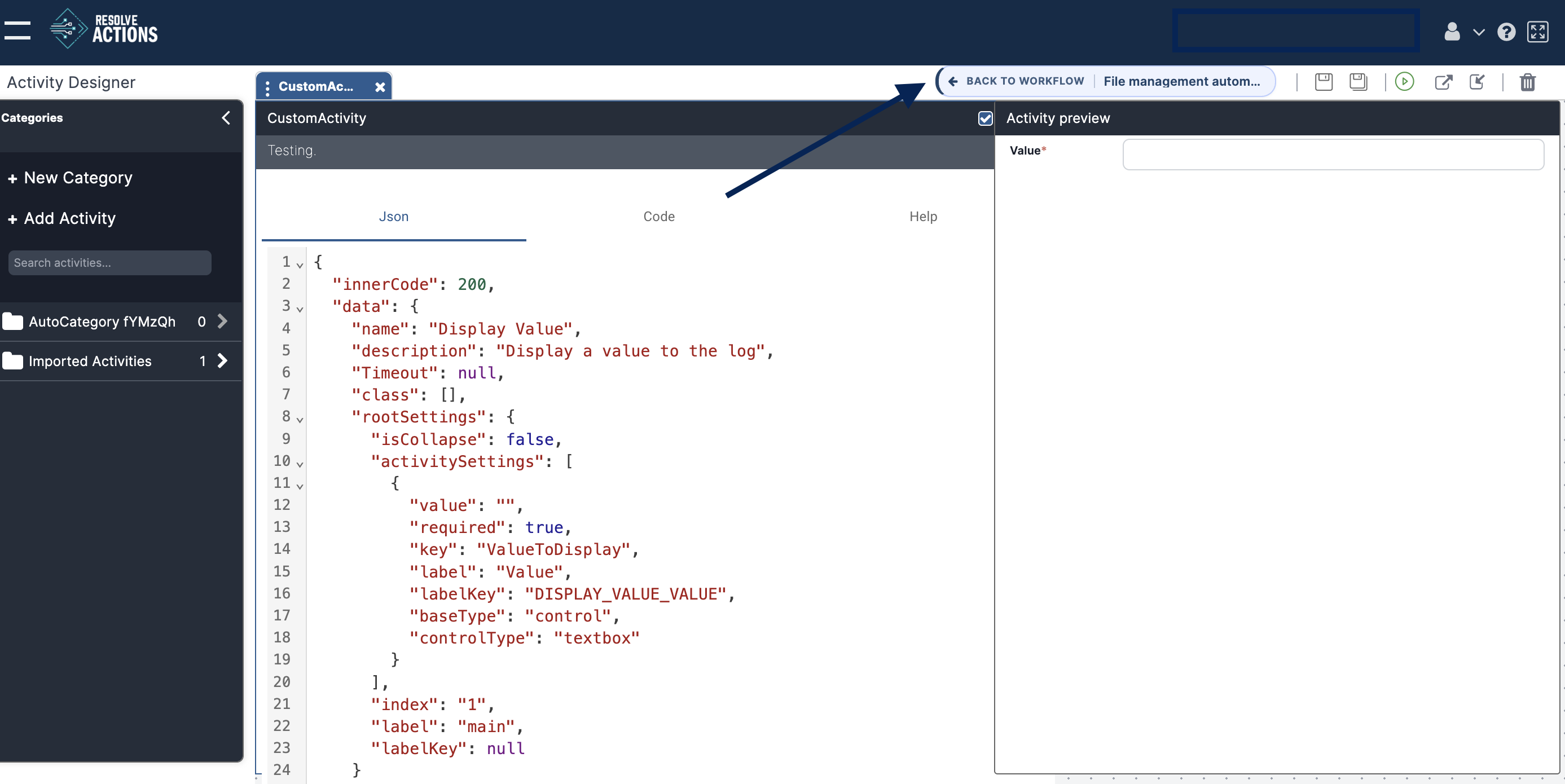
- Make your changes in the Activity Designer.
- Save the activity.
- Click Back to Workflow at the top of the window.
note
Only Custom Activities can be edited.