Jarvis for Activities
Jarvis is an AI-powered assistant built into the Activity Designer in Resolve Actions. It helps you create, understand, modify, and test activities.
What Jarvis Can Do
| Capability | Description |
|---|---|
| Create | Generate new Python activities from a plain-language description |
| Explain | Break down existing activity code so you can understand it quickly |
| Update | Modify or enhance activities based on your instructions |
| Test | Run tests and get contextual feedback on results |
Creating a New Activity
Describe what you want to build and Jarvis generates the Python activity for you.
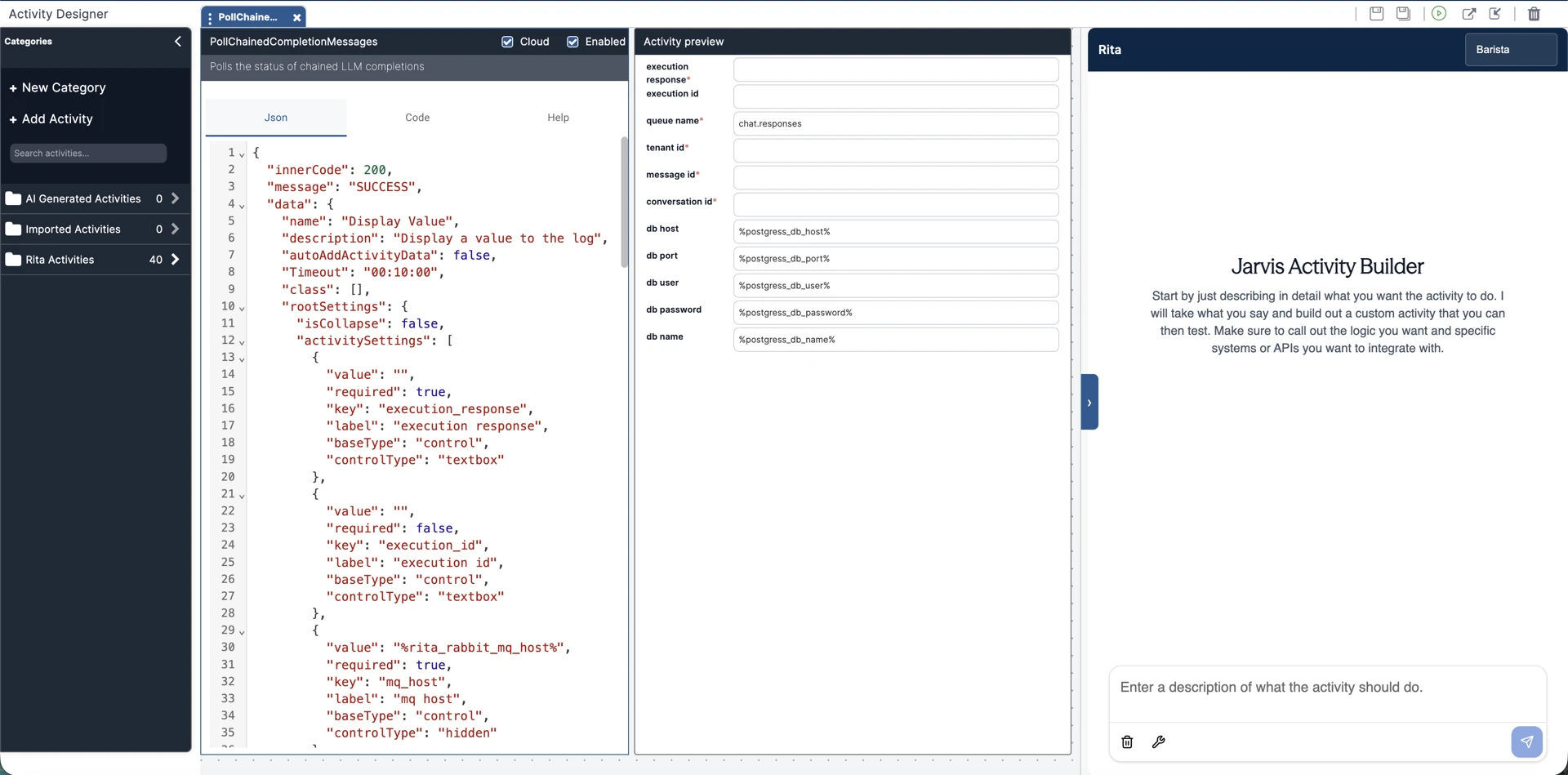
Common use cases:
- REST API integration activities
- Data transformation and mapping
- Utility and helper activities
- Custom automation logic
How to Get the Best Results
Jarvis works best when you give it detailed context upfront. When writing your prompt, try to include:
- Purpose — what the activity should accomplish
- Inputs and outputs — what data goes in and what comes back
- External systems — APIs, services, or databases involved
- Authentication — how credentials are passed (e.g. Basic Auth, API key, OAuth)
- Data formats — JSON structures, field names, transformations needed
- Error handling — how failures, timeouts, or missing records should be handled
- Logging — what should be logged and at what level
- Examples — sample requests and responses if you have them
- Business rules — any validation logic or edge cases
The more context you give Jarvis, the more accurate and complete the generated activity will be.
Example Prompt
Here's an example of a well-written prompt:
Create an activity that retrieves incident details from ServiceNow.

The activity should accept an Incident Number as input and use the ServiceNow Table API
to retrieve the incident record.

Authentication should use Basic Authentication with username and password provided
as activity inputs.

The activity should return the incident number, short description, assignment group,
state, priority, and assigned user.

If the incident cannot be found, return a meaningful error message.

Include appropriate logging throughout the activity and handle API failures,
authentication errors, and timeouts gracefully.
Explaining an Existing Activity
Not sure what an activity does? Ask Jarvis to explain it.
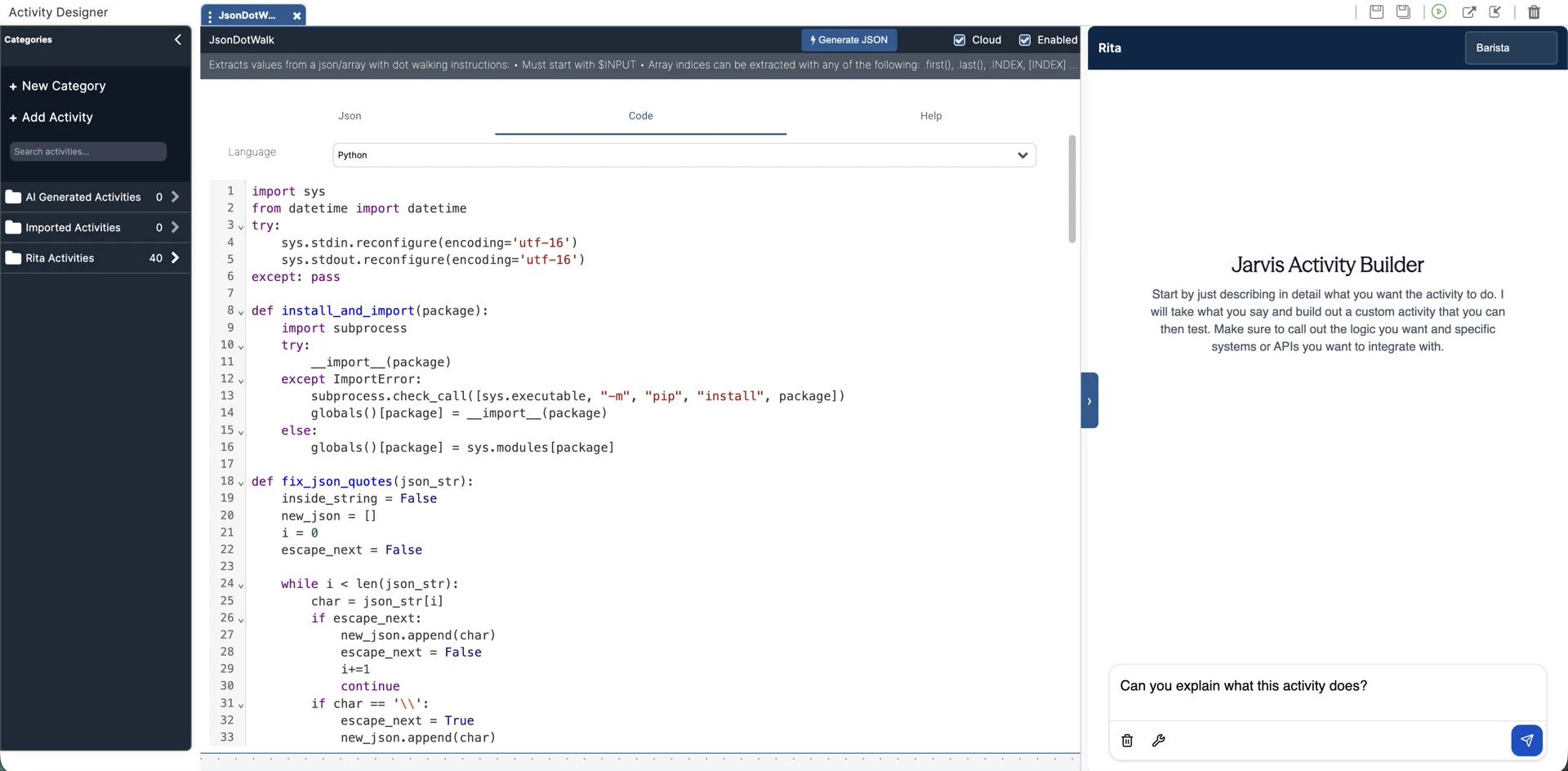
Jarvis will analyze the code and give you a breakdown of:
- Overall purpose and functionality
- Input and output parameters
- Key methods and logic flows
- External dependencies and integrations
- Error handling behavior
- Code structure and implementation details
This is especially useful when reviewing inherited code, onboarding new team members, or troubleshooting an unfamiliar activity.
Updating an Existing Activity
You can ask Jarvis to modify an activity rather than rewriting it yourself. Just describe the change you want and Jarvis will apply it.
Examples of updates Jarvis can handle:
- Adding new input or output parameters
- Enhancing validation logic
- Updating API endpoints or integration details
- Refactoring for readability and maintainability
- Implementing bug fixes or new features
When requesting updates, be specific about what you want changed. For example: "Add a timeout parameter that defaults to 30 seconds and pass it to the API request."
Testing Activities
Jarvis can run tests against your activity directly from the Activity Designer and help you interpret the results.
With testing support you can:
- Execute activity tests without leaving the designer
- Review test outcomes with Jarvis
- Analyze errors and failures with contextual recommendations
- Get guidance on potential fixes
- Validate functionality before deploying
Because Jarvis has visibility into the test results, its recommendations are specific to what actually happened — not generic troubleshooting advice.
Typical Workflow
1. Describe the activity you want to build.
2. Jarvis generates the Python activity.
3. Run tests against the activity.
4. Review results and Jarvis's recommendations.
5. Request updates or enhancements as needed.
6. Re-test and iterate until it meets your requirements.
7. Publish and use the activity within your workflows to automate and orchestrate your business processes.
Benefits
- Faster custom activity development
- Less time spent reading and deciphering existing code
- Simpler testing and troubleshooting
- Quick iteration on enhancements
- Lower learning curve for new developers