Set Variables in Workflows
When creating a workflow, variables are entered into activities where input values are expected. Once the workflow is created, the Test Activity function can set values for the variables in that workflow.
Variables will be automatically detected and added to the variable list that appears in the Set Variables window:
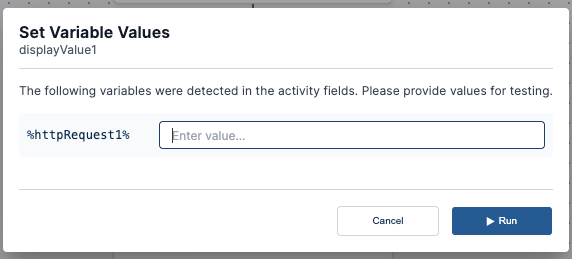
Once variables have been set, you can test the workflow with values for each of the variables, which will be automatically inserted into the appropriate activities when they run.